

Affiliate & Bluehost Partnership Disclosure: I am a Bluehost affiliate partner, and this article contains affiliate links. If you click a Bluehost link and make a qualifying purchase, I may earn a commission at no additional cost to you. This article is based on Bluehost’s published information; I have not personally tested the new AI Builder. Read my FTC Affiliate & Partnership Disclosure.
Wondering how to build a website with AI for free? Maybe you want to start a blog, create a website for your small business, or build something online without feeling overwhelmed by the technical side.
Maybe you thought you needed to learn coding, hire a website designer, or spend hundreds of dollars just to get started.
Well, here’s something worth exploring!
Artificial intelligence is changing how people create websites, and tools like Bluehost AI Builder are making the process more approachable for beginners.
Imagine describing your business idea in a few sentences and having AI help turn that description into a working website.
That’s exactly what Bluehost AI Builder is designed to do.
And one of the best things about it? You can start for free without a credit card.
Today, we’re looking at how Bluehost AI Builder works, what you can create with it, how much it costs, and what beginners should know before getting started.
What Is Bluehost AI Builder?
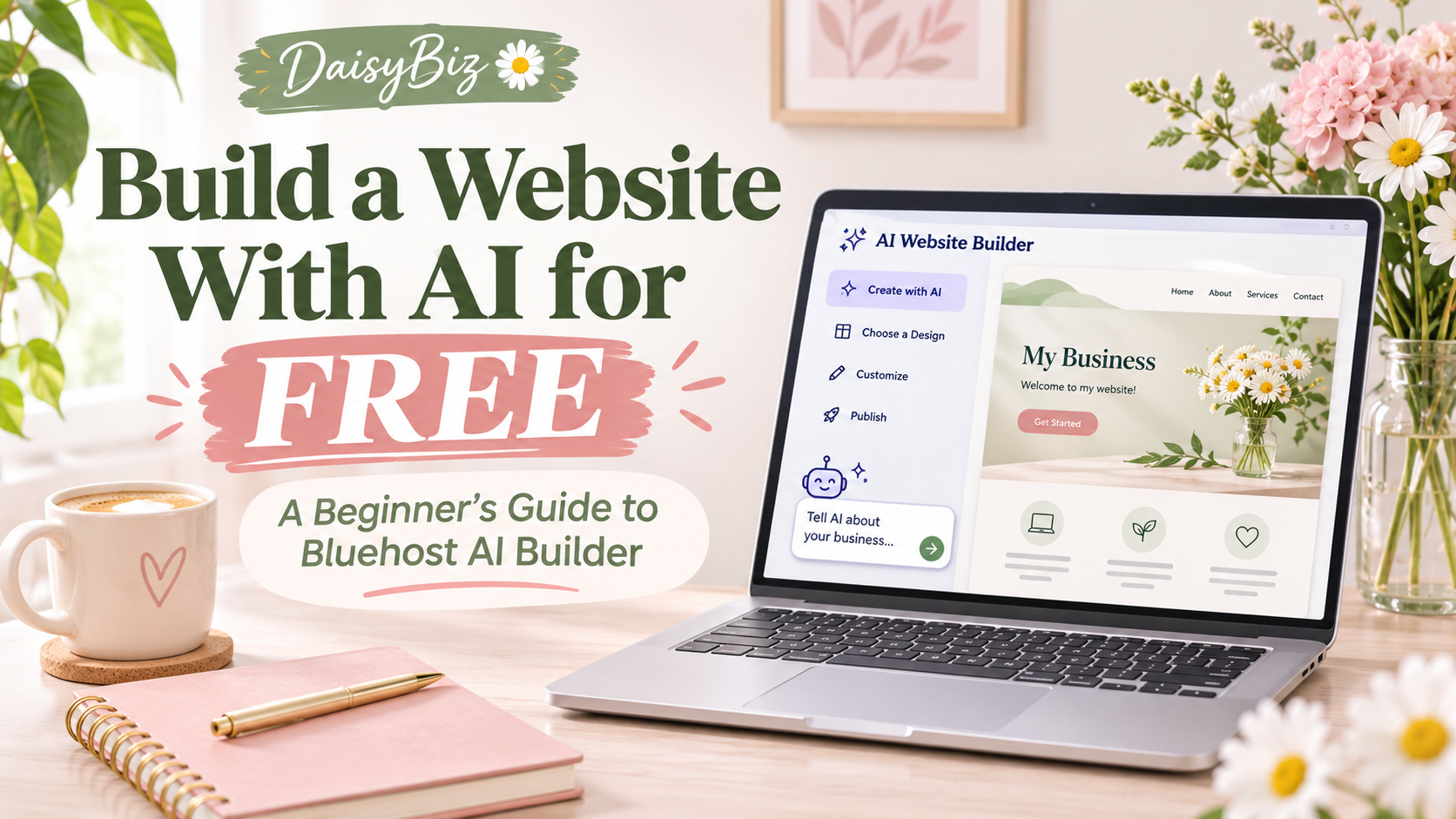
Bluehost AI Builder is an AI-powered website creation tool that allows you to build and customize a website through a simple conversation.
Instead of starting with complicated coding or designing every page yourself, you describe the website you want.
The AI helps generate the initial design, written content, and layout.
Then, you can continue making changes by chatting with the AI.
For example, you could say:
“Create a beautiful, modern website for my small business. I want a welcoming homepage, an About Me page, a services page, and a contact page. Use soft colors and make it easy to navigate.”
The AI uses your description to help build your website.
You can even upload your own logo and photographs to make your website feel more personal.
And you don’t need previous web design experience to get started.
5 Steps to Create a Website Using Bluehost AI Builder
Let’s walk through the process.
Step 1: Start With Your Website Idea
The first step is deciding what kind of website you want to create.
Are you starting a blog?
Building a website for your service business?
Creating a portfolio to showcase your work?
Or maybe you just want a place online where people can learn more about what you do.
Once you have an idea, describe it to Bluehost AI Builder.
Example prompt:
“Create a travel blog for women who enjoy affordable vacations. Include a homepage, About Me page, travel tips section, blog, and contact page. Use a modern design with soft blue and cream colors.”
You don’t need to write the perfect description on your first try.
Start with your basic idea and make adjustments along the way.
Step 2: Let AI Create Your First Website Design
After you describe your idea, Bluehost AI Builder starts generating your website.
The AI can help with:
- Website layouts and page designs
- Headlines and written content
- Images and branding elements
- Navigation and page organization
- Mobile-friendly layouts
You can review the website as it takes shape.
One thing I love about this concept is that it gives beginners a starting point instead of a completely blank screen.
Step 3: Customize Your Website Through Chat
Here’s where things get interesting!
You don’t have to accept the first design.
You can tell the AI what you want to change.
For example:
“Change the background to a soft pink.”
“Make my homepage look more professional.”
“Add a section for customer testimonials.”
“Rewrite my About Me page to sound friendlier.”
You can keep refining your website until it better represents your business and personality.
Helpful tip: Always review AI-generated content for accuracy. Make sure the information reflects your business and sounds like you.
Step 4: Preview Your Website Before Publishing
Before making your website public, review how it looks on different devices.
Bluehost AI Builder provides desktop, tablet, and mobile previews.
This matters because many people browse websites using their smartphones.
Make sure your text is readable, your navigation works, and visitors can easily find important information.
Step 5: Publish Your Website
Once you’re happy with your design, you can publish your website.
Bluehost offers a Free plan that allows you to publish using a Bluehost subdomain.
That means you don’t have to purchase a separate domain name just to explore the builder and launch your first website.
If you want to connect your own custom domain, you’ll need a paid plan.
➡️ Explore Bluehost AI Builder
Is Bluehost AI Builder Really Free?
Yes! Bluehost offers a Free plan, but there are some limitations to understand.
Here is the pricing listed in Bluehost’s November 2026 product information:
| Plan | Monthly price | AI credits |
|---|---|---|
| AI Builder Free | $0 | 5 per day, up to 30 per month |
| AI Builder Lite | $20 | 100 per month |
| AI Builder Standard | $40 | 200 per month |
| AI Builder Pro | $80 | 400 per month |
What Are AI Credits?
Bluehost uses credits for requests you send to its AI builder.
One message to the AI generally uses one credit.
The AI’s own clarifying questions don’t use credits.
When you run out of credits, you won’t be able to make additional AI-powered changes until you receive more credits or purchase a top-up.
But here’s something important:
Your published website doesn’t go offline simply because you run out of credits.
Hosting is included on every plan, and it doesn’t use credits.
Additional credits are available for purchase, starting at $15 according to Bluehost’s partner information.
Remember that monthly credits and top-ups expire after 30 days.
What Types of Websites Can You Create?
There are several possibilities for beginners.
1. A Personal Blog
Have something you enjoy talking about?
Maybe you love travel, cooking, fashion, or sharing life experiences.
You could create a blog and start publishing helpful articles.
2. A Small Business Website
If you’re starting a service-based business, having a website can help people understand what you offer.
For example, someone offering virtual assistant services could create a website with information about their experience, services, and how potential clients can contact them.
3. An Online Portfolio
If you create graphics, write articles, take photographs, or offer freelance services, a portfolio website can help showcase your work.
4. A Landing Page
A landing page can introduce your business, explain a service, or encourage visitors to join an email list.
5. A Website for Your Side Hustle
Starting a side hustle doesn’t always require a complicated website.
Sometimes you simply need a professional online presence where people can learn about your services.
Important: Bluehost AI Builder does not currently support ecommerce. If you want to build an online store that sells products directly, Bluehost offers a separate product called Bluehost AI Store.
What About SEO? Can Your Website Show Up on Google?
If you’re new to blogging, you’ve probably heard the term SEO.
SEO stands for Search Engine Optimization.
It involves improving your website so search engines can better understand your content.
Bluehost AI Builder can automatically generate certain SEO elements, including:
- Page titles
- Meta descriptions
- Headings
- Image alt text
These features can help you get started, but they don’t guarantee that your website will rank on Google.
Important SEO limitation: Bluehost says websites published on the free .app.bluehost.ai address are not indexed by search engines. On a paid plan, you can connect your own domain and publish so search engines can begin discovering your site. Search visibility and rankings are not guaranteed.
You’ll still need useful content, accurate information, and a strategy for reaching your audience.
Remember, creating a website is only one part of building an online presence.
Pros and Cons of Bluehost AI Builder
Before choosing any website platform, it’s helpful to understand both its advantages and limitations.
What Beginners May Like
- Free plan available without a credit card
- No coding required
- AI-assisted website creation and editing
- Mobile-responsive designs
- Hosting included
- Customization through chat
- 24/7 human assistance
- Ability to publish on a free Bluehost subdomain
Things to Consider
- The Free plan has limited AI credits.
- Connecting your own domain requires a paid plan.
- Ecommerce isn’t supported in AI Builder.
- AI-generated text still needs human review.
- Building a website doesn’t automatically create traffic or income.
- Additional credits may cost extra.
The best option depends on your goals, budget, and how much control you need over your website.
Can You Make Money With a Website Created Using AI?
This is a question I know many beginners are interested in.
A website can become part of an online business, but simply publishing one doesn’t guarantee that you’ll make money.
Some possible ways people monetize websites include:
Affiliate marketing: Recommend products or services and potentially earn commissions from qualifying purchases.
Digital products: Use your website to introduce your eBooks, worksheets, guides, or other downloadable resources, linking to an appropriate selling platform.
Advertising: Some websites may eventually qualify for advertising programs when they meet the necessary requirements.
Freelance services: Create a website that introduces your skills and helps potential clients contact you.
Sponsored content: As your audience grows, you may have opportunities to collaborate with brands.
The important thing is to focus on creating something useful for your audience.
A website is a tool. Building a sustainable business still takes time, effort, consistency, and learning.
My Thoughts on Bluehost AI Builder
As someone who runs a blog and enjoys sharing beginner-friendly business resources, I know how intimidating starting a website can feel.
There are so many decisions to make, especially when you’re learning everything for the first time.
That’s why I think tools that simplify the process are worth exploring.
What interests me about Bluehost AI Builder is the ability to describe a website idea in everyday language instead of starting from scratch.
I haven’t completed a hands-on test of this new builder yet, so this guide is based on Bluehost’s published product information rather than a personal performance review.
For someone who wants to explore website creation without immediately paying for a subscription, the Free plan may be a practical place to begin.
More beginner guides from DaisyBiz: Explore 5 Low-Cost Ways to Start a Business and Affiliate Marketing From Your Phone.
Final Thoughts: Start Where You Are
If you’ve been thinking about creating a website but keep putting it off because the process feels overwhelming, AI website builders may be worth exploring.
You don’t have to know everything about technology before taking your first step.
You can start by learning how the tools work, experimenting with a simple website, and discovering what fits your needs.
Whether you want to create a blog, promote a small business, or build an online presence, the most important thing is to start with a clear purpose.
And remember, there is no need to rush.
Learn as you go, stay consistent, and keep building.
Ready to Explore Bluehost AI Builder?
If you’d like to see how it works, you can explore Bluehost AI Builder and its available plans.
➡️ GET STARTED WITH BLUEHOST AI BUILDER
Thanks for stopping by DaisyBiz!
Learn. Grow. Earn Online.
— Daisy 💚
Disclaimer: Pricing and product features are based on Bluehost’s November 2026 partner information and may change. This article is for educational purposes and does not guarantee business income or website performance.